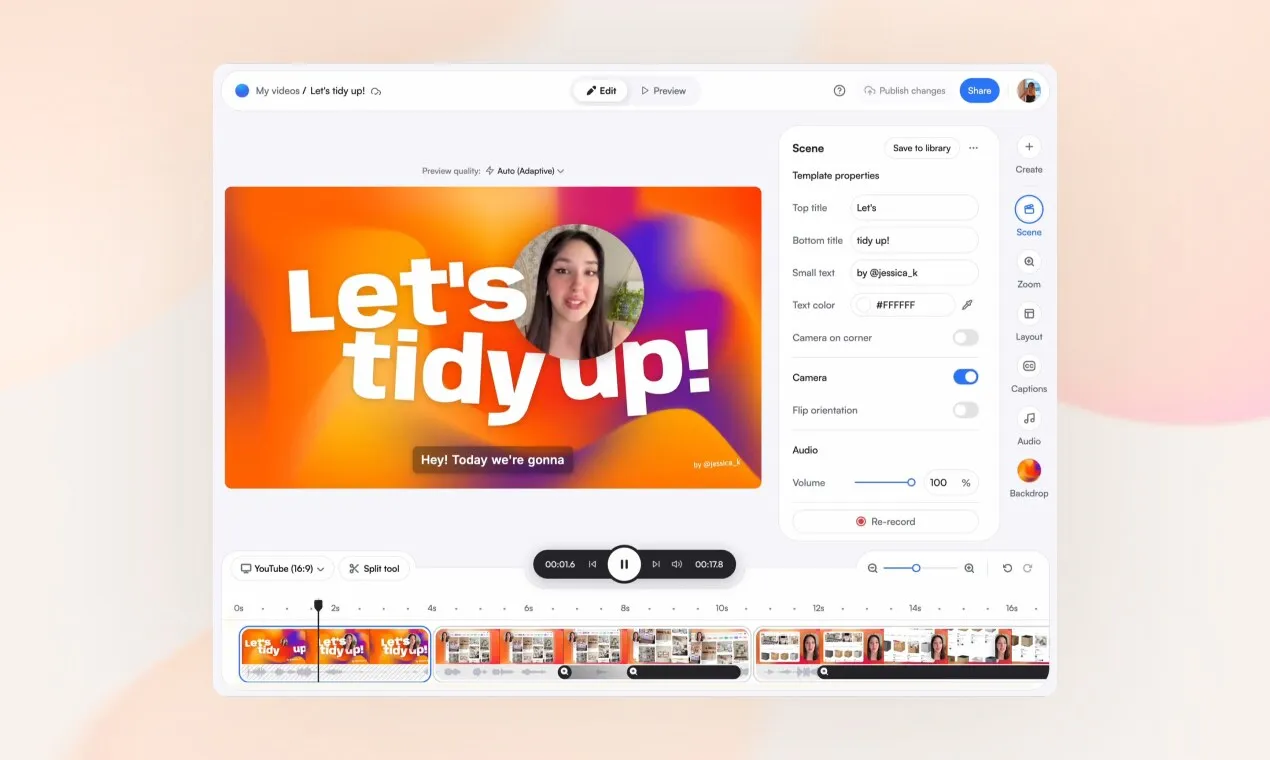
Screenity is an open source alternative to Loom and Vidyard. Free, privacy-friendly Chrome extension that records your screen, webcam, or tab with annotations and local-only saving. No upload host, no share link. GPL-3.0 licensed, 18.5k GitHub stars, no terminal required to start, and last released 2026-08-07.
Free, privacy-friendly Chrome extension that records your screen, webcam, or tab with annotations and local-only saving. No upload host, no share link.
Official screenshotscreenity.ioRetrieved 2026-08-11
Should you switch?
Use it if
People who want a no-limits Chrome screen recorder that keeps recordings entirely local: no account, no upload, no watermark. Records tab, webcam, or full desktop with push-to-talk, cursor highlighting, and in-browser trim.
You need an instant shareable link after recording. Screenity saves locally or to Google Drive; it has no built-in hosted viewer or team inbox. Windows or Firefox users are also out: it is a Chrome extension only.
Capture-only: Screenity does not host your recordings or generate a share link. To send a video to a teammate, you export the file and share it yourself. GPL-3.0 requires derivative extensions to remain open source.